
From Decision to Go-Live: What to Expect
Installing a self-order kiosk can seem daunting due to its supposed technical complexity. In reality, the setup happens in simple steps, without interrupting business.
Preparing Your Menu for the Kiosk
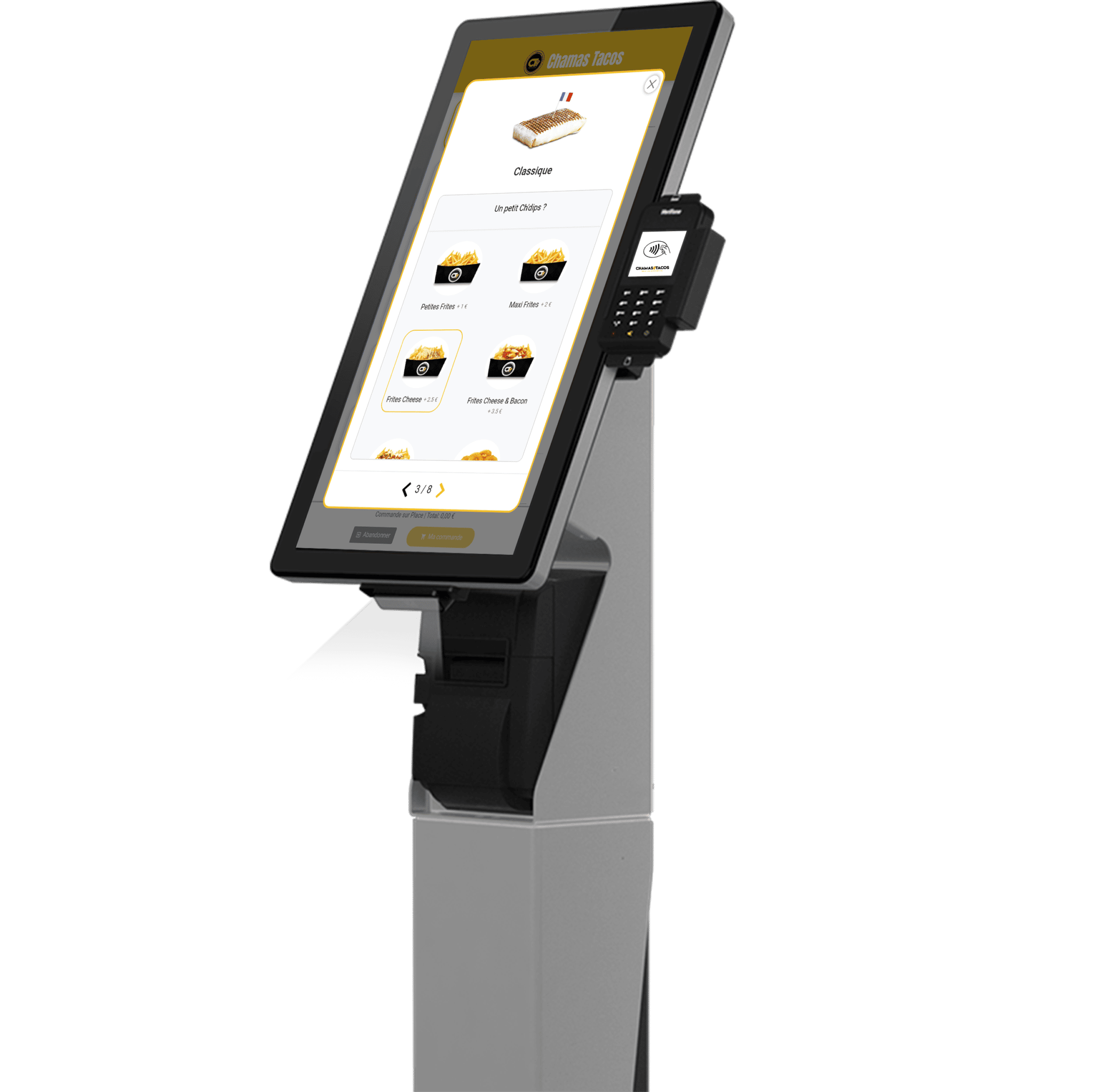
The first step is to organise your menu for clear display on a touchscreen: categories, photos, options and extras need to be designed for intuitive navigation.
"We thought it would take weeks, but the installation was done in just a few days."
A restaurant owner who installed an Xpos One kiosk
Installing and Connecting the Kiosk to Your Till
Once the hardware is in place, the kiosk connects directly to the unTill till, with no complex manual synchronisation step. Orders start arriving in the kitchen as soon as it goes live.
- Organising the menu for a clear kiosk display
- Installing the hardware and connecting it to the unTill till
- Quick staff training on receiving orders
Supporting the Team Through the Transition
A short training session is usually enough for the team to feel comfortable with the new order flow, with the kiosk and traditional service running in parallel from day one.